> For the complete documentation index, see [llms.txt](https://help.cymmetri.io/llms.txt). Markdown versions of documentation pages are available by appending `.md` to page URLs; this page is available as [Markdown](https://help.cymmetri.io/getting-started/personalization/catpcha.md).
# Catpcha
Cymmetri has integrated advanced CAPTCHA validation capabilities to bolster security against automated threats and bot-based attacks. The platform now supports two distinct methods, providing administrators with a flexible approach to securing user interactions.
#### Supported CAPTCHA Methods
* **hCaptcha**: This method is a privacy-focused and widely adopted alternative to traditional CAPTCHA. It requires users to perform a simple task (e.g., identifying objects in an image) to prove they are human, effectively blocking bots while maintaining user privacy.
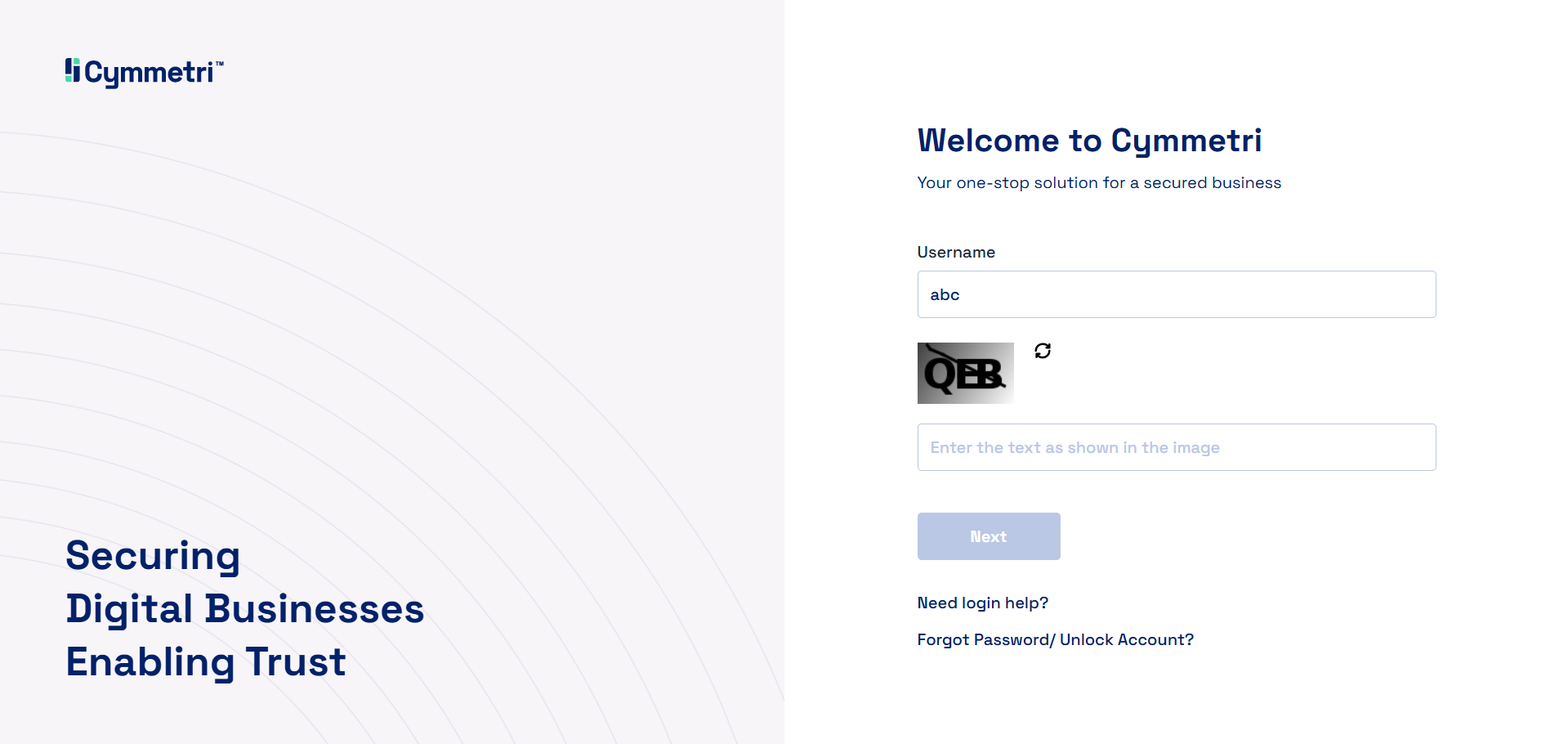
* **Traditional CAPTCHA**: This classic method uses distorted text or numbers that users must correctly enter. While this method is effective, it can sometimes be more challenging for users to solve.
These integrations enable Cymmetri to enhance its security posture by providing a robust defense layer, ensuring that user registration and login processes are protected from malicious automated activity.
#### Administrator Configuration
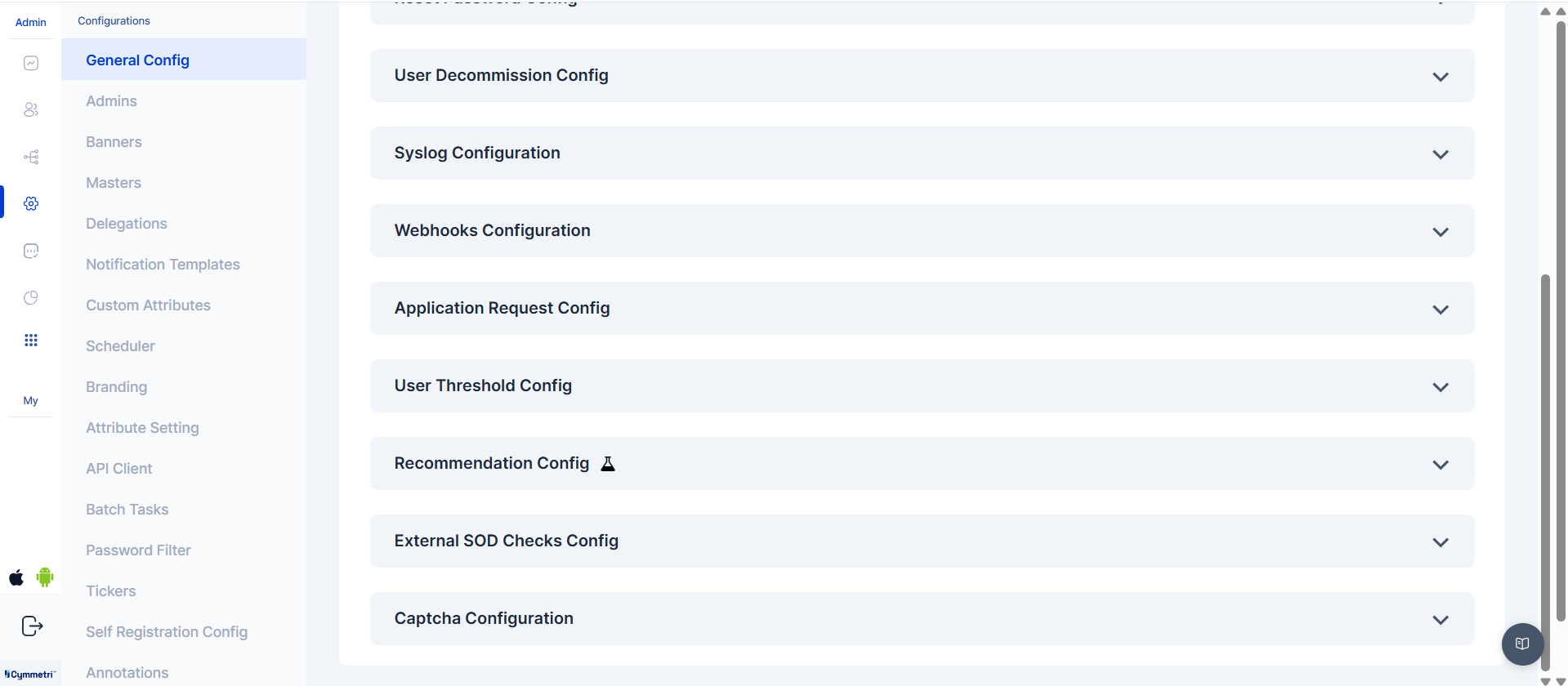
To enable and configure CAPTCHA, administrators must navigate to the Configuration section and select Captcha Configuration.
From this menu, the administrator has two options:
1. **hCaptcha** Type: Selecting this option enables hCaptcha validation, which utilizes simple, interactive tasks for user verification.
2. **Traditional CAPTCHA**: Choosing this option will implement the classic method of using distorted text.
The administrator can then save the configuration.
Below is an example of what the Traditional CAPTCHA looks like to an end-user.