> For the complete documentation index, see [llms.txt](https://help.cymmetri.io/llms.txt). Markdown versions of documentation pages are available by appending `.md` to page URLs; this page is available as [Markdown](https://help.cymmetri.io/identity-hub/managing-users-and-groups/suspended-users.md).
# Suspended Users
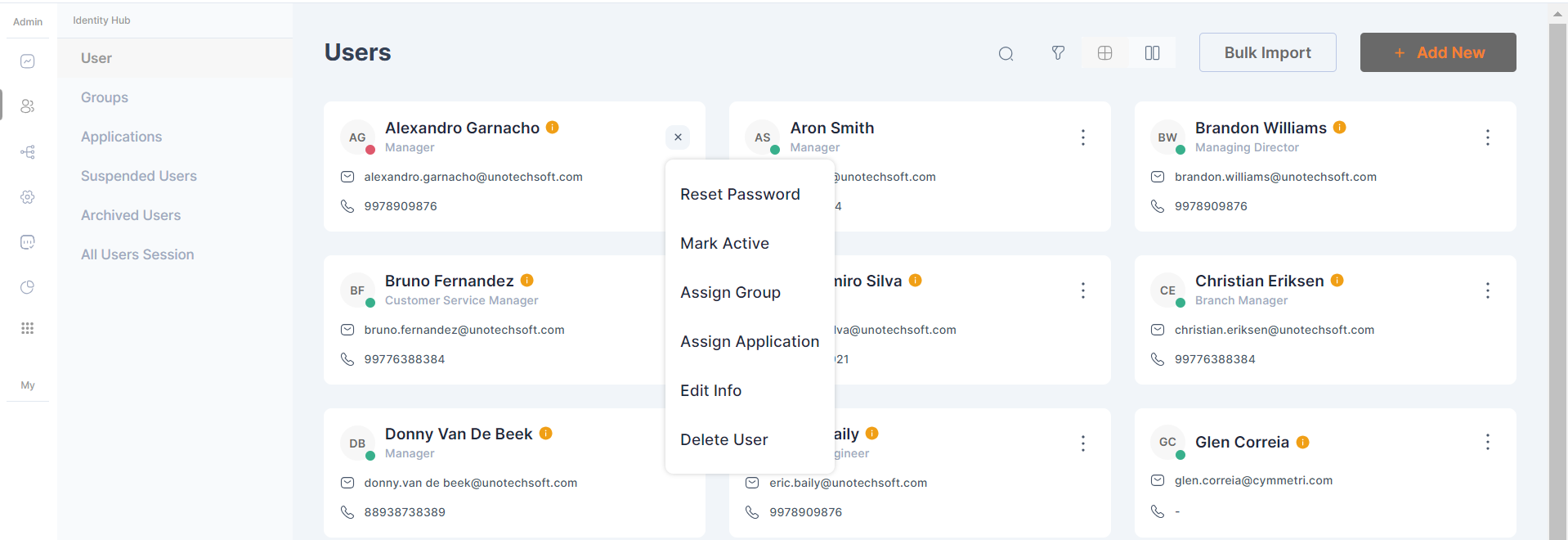
The admin can delete the user from the users tab in the identity hub section.
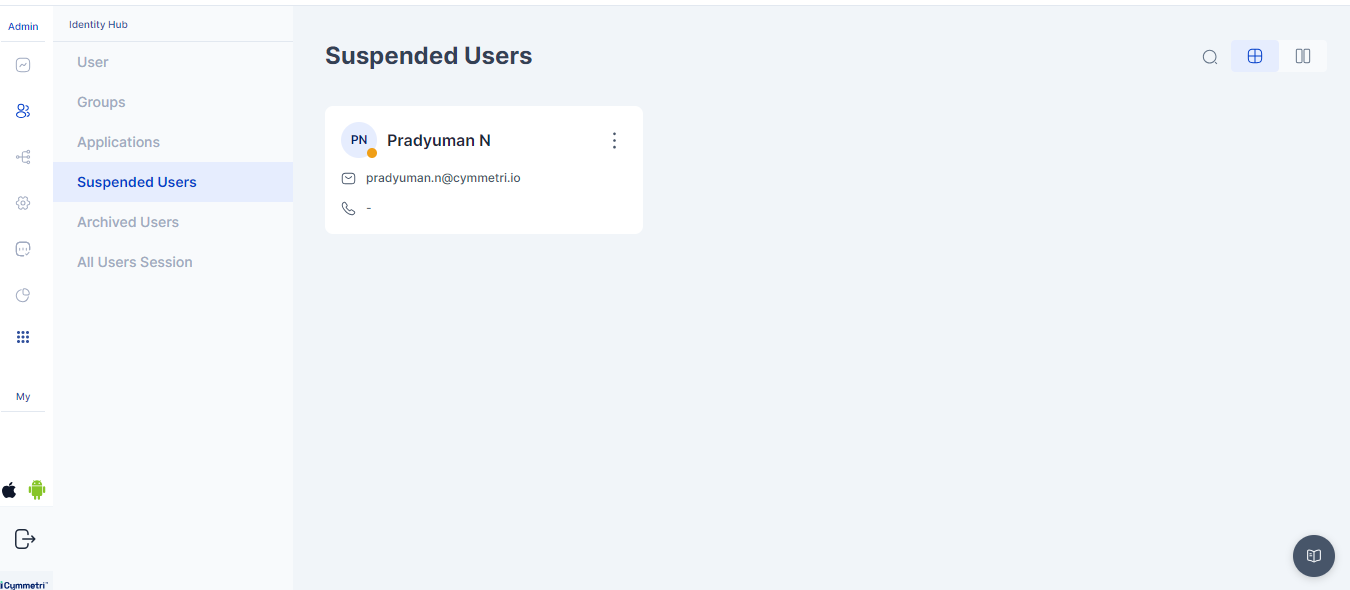
After the user is deleted, they are moved to the Suspended Users tab.
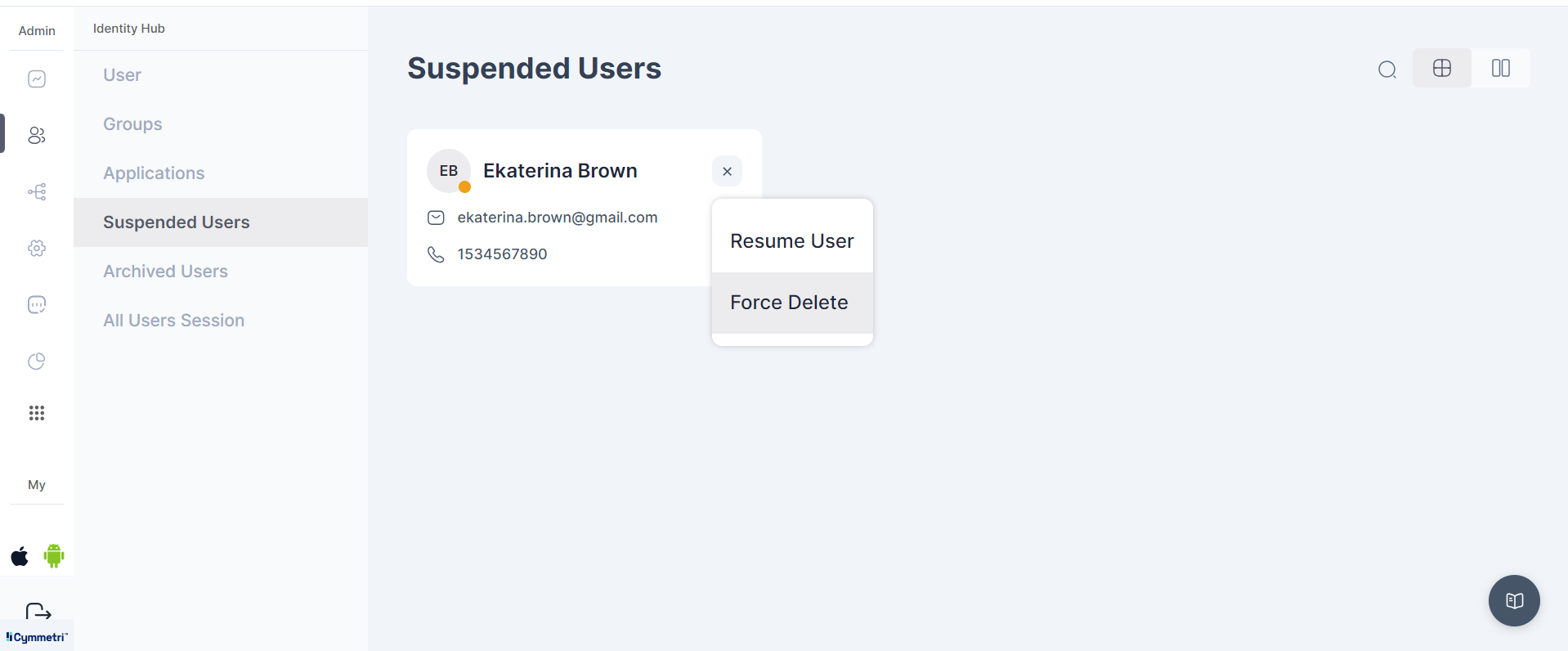
In the section for suspended users, the administrator has two options: they can choose to
* **Resume User** - Which relocates the user back to the all users section OR
* **Force Delete** - This transfers the user to the archived users section, where retention of the user is not possible